
family safety guide
Teen Driver Speed Alerts: What an App Can Flag and What It Cannot Prevent
 Sam Okonkwo· Security Researcher· Updated August 27, 2026· 14 min read
Some links on this page may earn GUIDEORA a commission. Disclosure

Quick take
Speed monitoring on a phone estimates how fast the device is moving. It can flag a stretch that looks too fast relative to a threshold you set or the app provides. It cannot prevent a crash, see every road's posted limit perfectly, or replace adult judgment. HeyPolo currently includes speed monitoring on a consent-based family map. Life360's driving stack is larger (crash detection and more). Neither is a driving school. Consent still comes first — including for a teen who is expected to share on drives.

The only job a speed alert is good at
Parents want a product that keeps a new driver from getting hurt. That product does not exist as an app badge. What exists is a delayed signal: the phone thinks it moved faster than a line you care about. Used well, that signal is 'let's talk about the highway merge after dinner.' Used badly, it is a siren that trains everyone to lie, leave the phone at home, or fight about GPS error instead of about driving.
An alert is not prevention. Prevention is practice, sleep, seatbelts, a car that is maintained, and a household that does not reward arriving two minutes earlier. The app can only notice motion after the wheels already did it. If you need that sentence on the fridge, put it on the fridge.
From the record
GPS can embarrass a speedometer story. It cannot press the brake. Keep those jobs in different rooms.
GUIDEORA rule for teen driving pings
After
The ping arrives after the stretch of road
Estimate
Phone GPS is not a calibrated radar gun
Talk
The useful output is a conversation
What a phone can actually flag
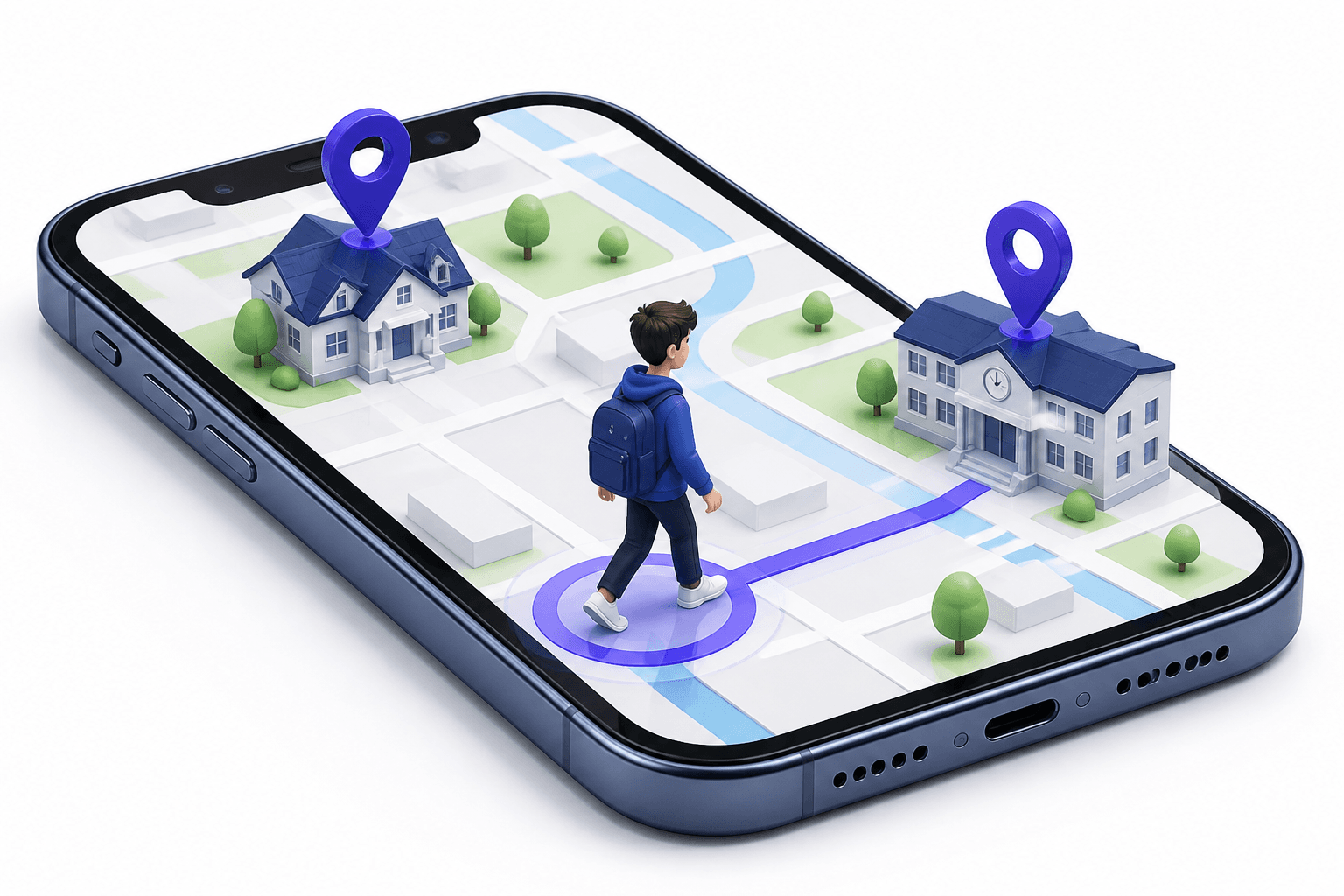
A smartphone infers speed from location samples. Tunnels, downtown canyons, and a phone sliding across a passenger seat all distort the number. A short spike can be a GPS jump, not a dare. A long stretch well above the threshold you agreed is a better reason to talk than a one-second glitch. Posted limits vary by road. Consumer apps are not the state DOT. Do not treat a ping as a ticket, and do not treat silence as proof the drive was legal.
Passenger rides confuse the story. If the teen's phone is in a friend's car, the alert is about that vehicle, not about who held the wheel. Agree in advance whether sharing is 'when you are the driver' or 'whenever you are in a car.' Those are different policies. The app will not know which one you meant.
Speed ping
After the fact
Not braking
Limits
Consent on drives
Required
GPS estimate
Not a cop
One household plan
HeyPolo
What speed monitoring cannot prevent
- It cannot brake, steer, or keep a phone out of a hand.
- It cannot see ice, glare, a blown tire, or another driver's mistake.
- It cannot replace graduated licensing rules in your state or country.
- It cannot substitute for 911 or for Life360-style crash detection if that is the extra you actually wanted.
- It cannot work if the phone is off, dead, or left on the kitchen counter.
How to use the first alert without lighting the house on fire
Write the policy before the first ping. Example: we talk once, we look at whether it was a GPS jump, we do not punish a passenger ride we already knew about, we do not scroll the map like a highlight reel for friends. A teen who agreed to share on drives is still allowed private mode for a walk that is not a drive. Mixing those contexts is how sharing dies.
If the teen did not agree, you are not doing 'speed safety.' You are doing covert tracking. This guide stops there. Have the conversation, including the right to refuse the map and keep practicing with an adult in the passenger seat instead.
Where HeyPolo fits this job
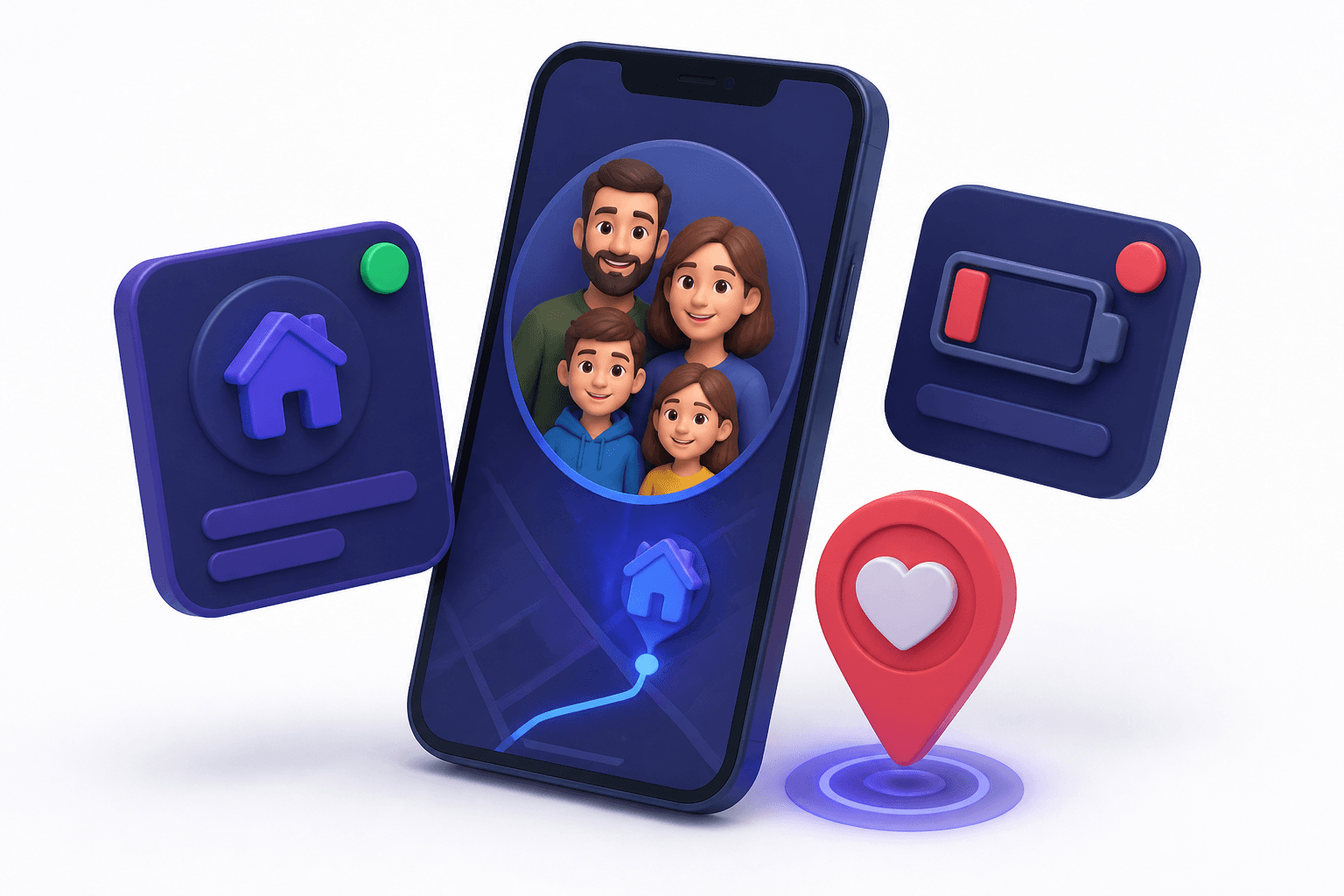
HeyPolo, from the Surfshark team, currently includes speed monitoring on a map that also does arrival alerts, low battery, and SOS as a family location ping (not emergency dispatch). Sharing can be exact, general area, or private; timed, repeating, or always-on. One plan is unlimited members, iPhone and Android. They currently document that they do not sell location to advertisers. Listed pricing is about $3.99/mo billed annually ($47.88) or $5.99/mo, with advertised 3-day / 7-day trials depending on monthly versus annual, 30-day money-back, and 4.9 store ratings they advertise — store scores, not our lab.
That combination is for a household that wanted a map without a location-ad business model, and that will still pay for a driving instructor. It is not for a household that wants crash detection and roadside as the headline. Checkout always wins on price.
What to weight for a new driver (editorial)
Buy a conversation tool, not a guardian angel
If a consented speed ping would change how you talk after a scary stretch of road, HeyPolo is in the running. If you need crash detection and roadside, look at stacks that actually sell those — including Life360 — and read both privacy policies. Either way, the car is still a car. GUIDEORA is not a driving school and not the vendor.
Editor take

A flag, not a force field
Use speed alerts as a delayed conversation starter for a new driver who agreed to share. Keep practice hours, local laws, and a real instructor in the stack. Do not confuse a phone ping with crash prevention. Confirm HeyPolo's current speed feature and plan price on checkout.