
family safety guide
When Find My Is Enough — and When a Shared Family Map Earns Its Own App
 Jordan Hale· Privacy Editor· Updated August 27, 2026· 14 min read
Some links on this page may earn GUIDEORA a commission. Disclosure

Quick take
Find My is enough for many Apple-only households that already share location and only need a last-known pin. A dedicated app earns its keep for Android in the mix, for arrival and battery alerts as a household product, for speed monitoring, for precision modes (exact / area / private), and for a vendor that currently documents not selling location to advertisers. HeyPolo is that extra-app example here. It is not a Find My replacement for AirTags and Apple devices you already own.

Find My is already on the phone — that is a feature
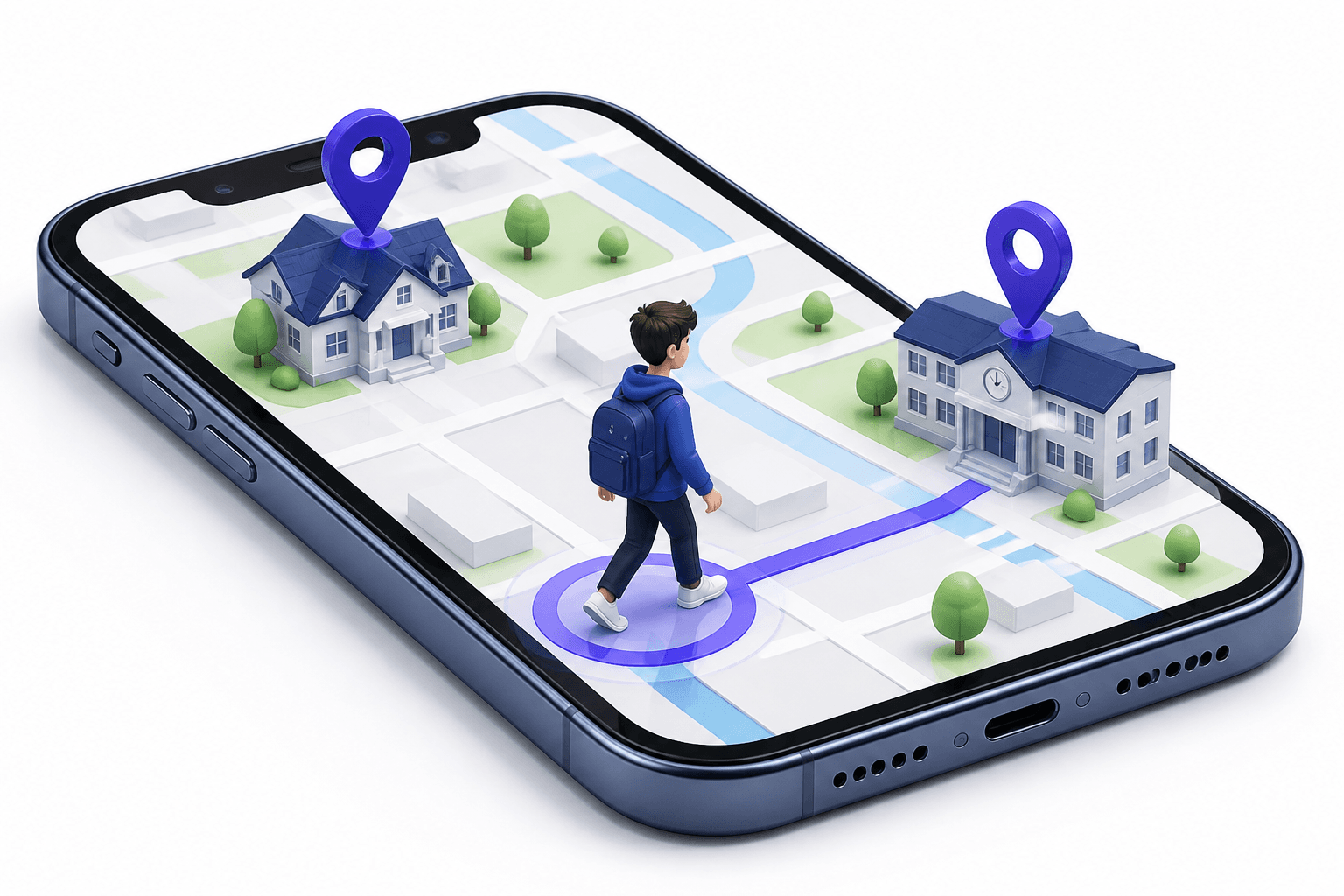
If the household is Apple, Find My already shows people who share, devices you own, and accessories on the Find My network. You did not install a brand. You tapped Share My Location. Notifications for arriving or leaving a labeled place exist in Apple's people-sharing tools. For a lot of families, that is the whole product: a pin, a last-seen time, a way to play a sound on a couch-lost iPhone.
Paying for another map because a YouTube ad looked warmer is how you get two apps nobody opens. The extra icon has to earn a job Find My does not do. Name that job in a sentence. If you cannot, stay on Apple's tool.
From the record
Free and already installed wins until you can point at a missed loop. Missed loops are mixed phones, precision knobs, or alerts Find My does not treat as a household product.
GUIDEORA rule for 'do we need another map?'
Apple-only
Find My is usually enough for pins
Mixed OS
Find My will not cover Android
AirTags
Keep using Find My for hardware you own
When Find My is honestly enough
- Every person who should appear is on an Apple ID you already trust.
- You only need a last-known location and the occasional 'play sound.'
- You are not trying to run teen speed monitoring as a household feature.
- You do not need a vendor whose current privacy page is the reason you left another locator.
- You will not install a second app 'just in case' and then ignore both.
Apple-only pin
Find My
Android in the house
Extra app
Arrival + battery
Household alerts
Area / private
Knobs
AirTags
Stay on Apple
When the built-in map leaves a hole
Find My is an Apple ecosystem product. It is not a cross-platform family operations layer. Android relatives, a partner who kept a Pixel, a teen on a cheaper Android — they are not in that picture. Apple's sharing also does not try to be Surfshark-team privacy marketing, speed alerts, or a single unlimited-member SKU with a money-back window. Those are different jobs.
Emergency SOS on iPhone is a real emergency path that can contact local services. That is not the same as a family-app SOS button that pings relatives with a location. Do not mix those up. A dedicated locator's SOS is usually the family ping. If you needed 911, you needed 911.
Mixed iPhone and Android is the cleanest extra-app case
The moment one person who should be on the map is not in iCloud, Find My stops being the household product. You can keep Find My for AirTags and lost iPhones. You add a cross-platform map for people. That split is rational. Copying the same person into three locators is not.
What HeyPolo is adding — not replacing
HeyPolo currently sells a consent-based map: exact, general area, or private; timed, repeating, or always-on; arrival alerts; low battery; speed monitoring; SOS as a family ping. Built by the Surfshark team; they currently document no location sale to advertisers. One plan, unlimited members, iPhone and Android. About $3.99/mo annual ($47.88) or $5.99/mo, trials 3-day monthly / 7-day annual as advertised, 30-day money-back, 4.9 store scores as they advertise (not our lab).
That is worth a second icon when the hole is mixed phones, precision, or those household alerts. It is not worth it if you only wanted to find a MacBook. Keep Find My for Apple hardware either way.
Jobs — pick the tool that owns the job.
| Job | Find My | Dedicated family map (HeyPolo as example) | GUIDEORA note |
|---|---|---|---|
| Lost iPhone / AirTag | Yes | No | Stay on Apple |
| Apple-only people pins | Usually enough | Optional | Name a missed loop first |
| Android in the household | No | Yes | Cleanest extra-app case |
| Area / private / timed share | Limited vs this pitch | Documented knobs | Consent UX |
| Speed / battery household pings | Not the product | In HeyPolo's list | Still not 911 |
One sentence test
If the sentence is 'we are all on iPhone and we only needed a pin,' Find My is enough. If the sentence is 'we needed Android, or a privacy-shaped share with arrival and battery alerts,' a dedicated map earns the icon. HeyPolo is the example this site features. Checkout always wins. GUIDEORA is not the vendor.
Editor take

Keep Find My for Apple hardware; add a map for the household job
Do not pay for a second locator if Find My already closed the loop. Do pay when Android, consent-shaped precision, or arrival/battery/speed alerts are the actual gap. HeyPolo is the extra-app this site uses for that gap. Confirm price on checkout. GUIDEORA is not Apple and not HeyPolo.